Welcome to Chromaform
A professional photo editor for iPad and iPhone, built on a Vulkan compute pipeline. Designed for fashion and portrait photographers who demand desktop-class tools on a mobile device.
What Makes Chromaform Different
Most mobile photo editors use Apple's CoreImage framework for processing. Chromaform runs a 15-module Vulkan compute pipeline through MoltenVK, giving you access to algorithms that CoreImage simply doesn't offer:
- Film Curve — a Weibull parametric scene-to-display transform, not a simple tone curve
- Local Laplacian Pyramids — the gold standard for highlights/shadows/clarity
- Frequency Equalizer — 6-band spatial frequency decomposition for precise detail control
- Zone System — Ansel Adams-style 7-zone luminance mapping
- Deconvolution Sharpening — Richardson-Lucy deconvolution that reverses lens blur
- Dark Channel Dehaze — physically-based atmospheric scattering removal
- AI Color Matching — closed-loop neural matching with per-region support
The Workflow
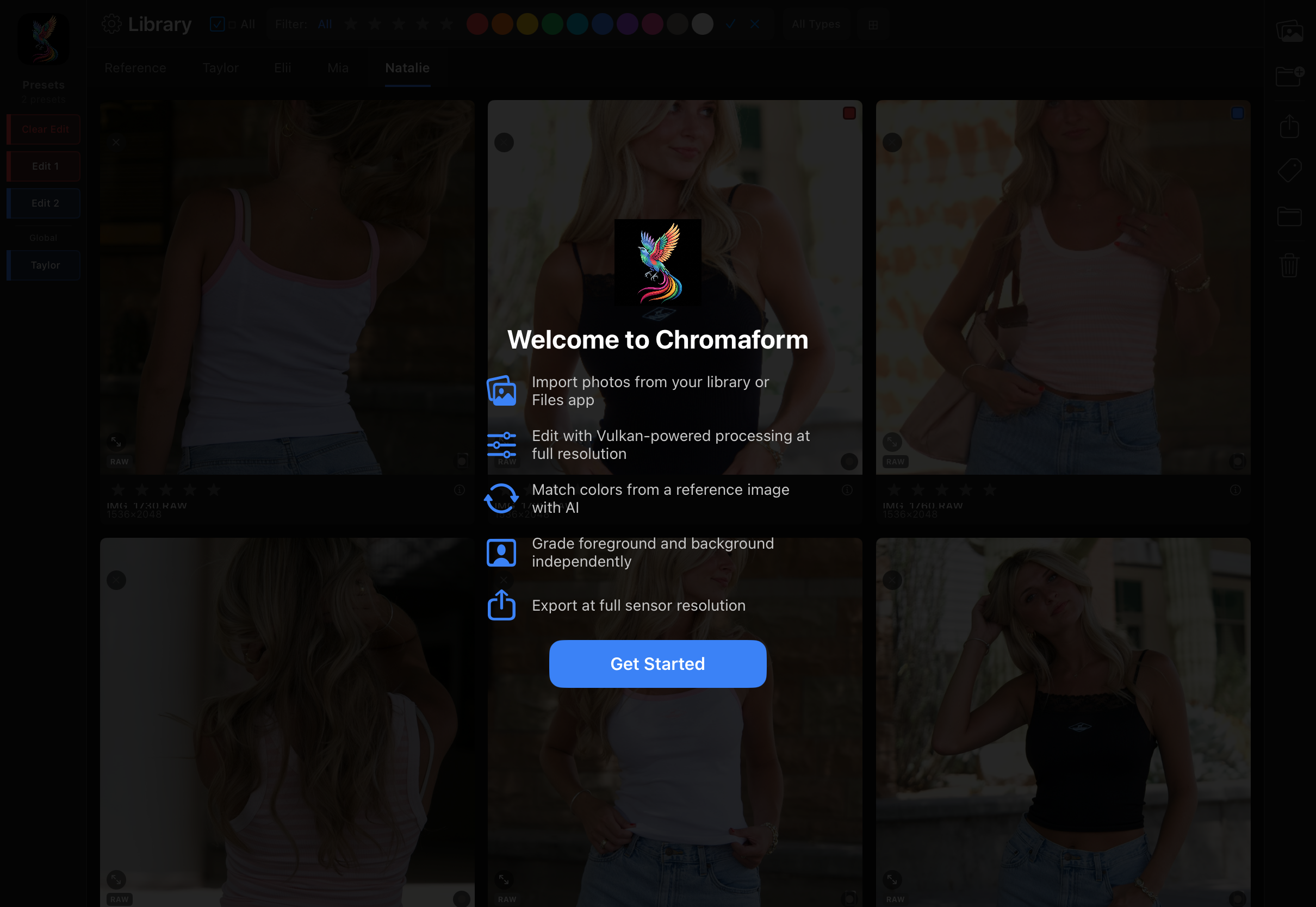
- Import — bring photos in from your Photos library or the Files app. RAW files are decoded at full sensor resolution.
- Organize — sort into projects, rate with stars, tag with color labels, name your categories.
- Edit — adjust light, color, and effects through the Vulkan pipeline. Use the tone curve, frequency EQ, and zone system for precise control.
- Grade — selective foreground/background editing. Match colors from a reference image. Apply LUTs and presets.
- Retouch — portrait-specific tools: wavelet skin smoothing, eye/teeth/lip enhancements, 3D relighting.
- Export — full sensor resolution, 16-bit output, in JPEG, HEIC, PNG, or TIFF.
System Requirements
| Requirement | Details |
|---|---|
| Device | iPad with A12 Bionic or later, iPhone 15 or later |
| iOS Version | iOS 16.0 or later |
| Storage | ~25 MB app + optional downloads (film pack ~2 MB, AI denoise ~640 KB) |
| Recommended | iPad Pro or iPhone Pro with M-series or A17+ chip and 8+ GB RAM for 50MP+ RAW files |